TL;DR
Create your CryptoTax.be account in minutes and automatically calculate your Belgian crypto tax. Get started for free.
What you need
- A valid email address
- A password of your choice
or
- a Google account
Steps
1. Go to the registration page
Open your browser and go to cryptotax.be/register.
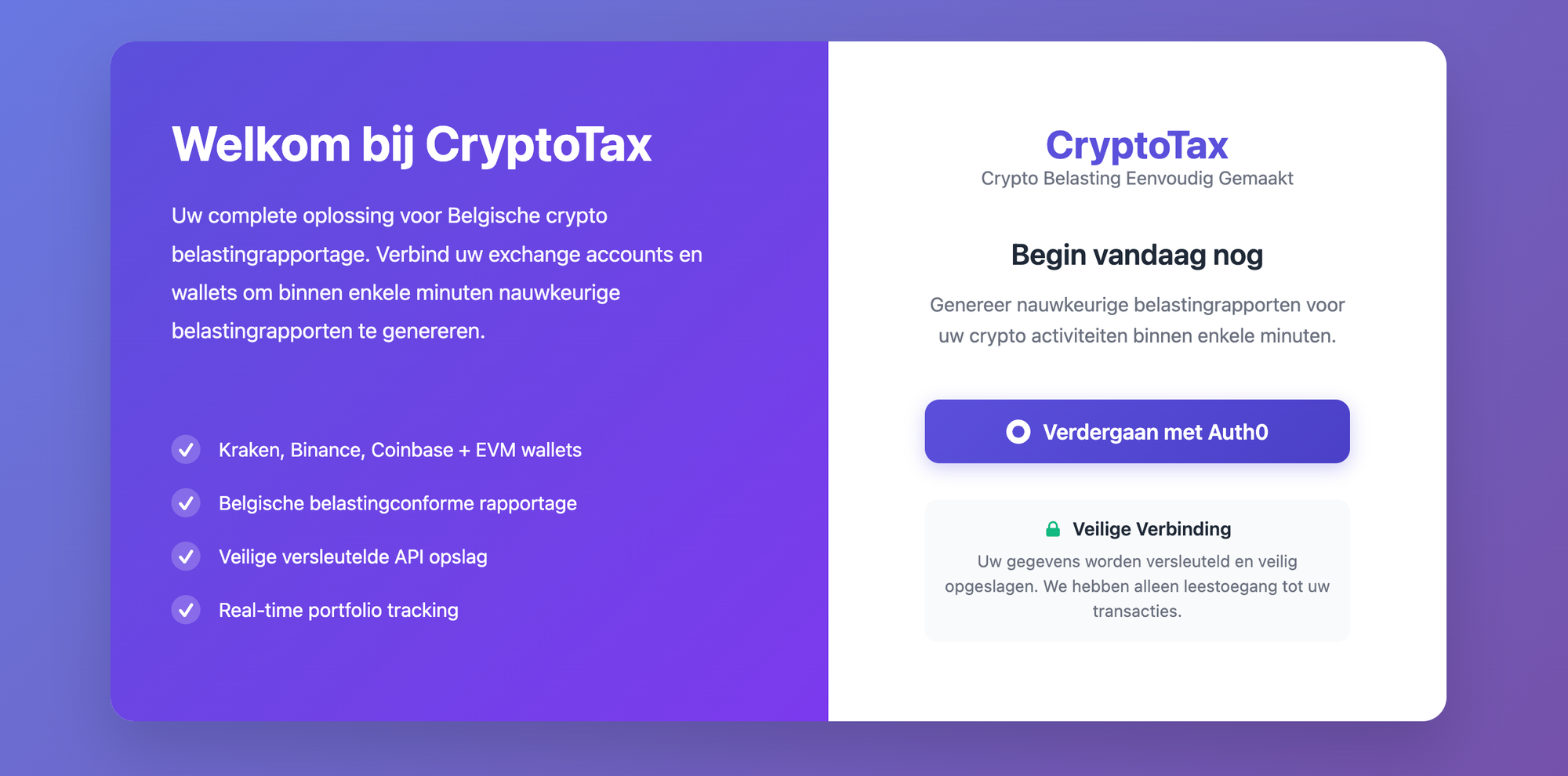
2. Fill in your details
Enter your email address and choose a strong password. Then click Register.
the registration form with the fields "Email" and "Password"
or choose to sign in with Google right away
3. Confirm your email address
You will receive a confirmation email at the address you provided. Click the link in that email to activate your account. Also check your spam folder if you do not see the email.
4. Log in
Go back to cryptotax.be and log in with your email address and password. You will now land on your personal dashboard.
Troubleshooting
- I did not receive a confirmation email: Check your spam folder. You can also request the email again via the login page.
- My password does not work: Use the Forgot password option on the login page to set a new password.