How to import your transaction history in CryptoTax.be What it does CryptoTax.be needs your complete transaction history to calculate your taxes correctly. You can import transactions...
How to import your transaction history in CryptoTax.be
What it does
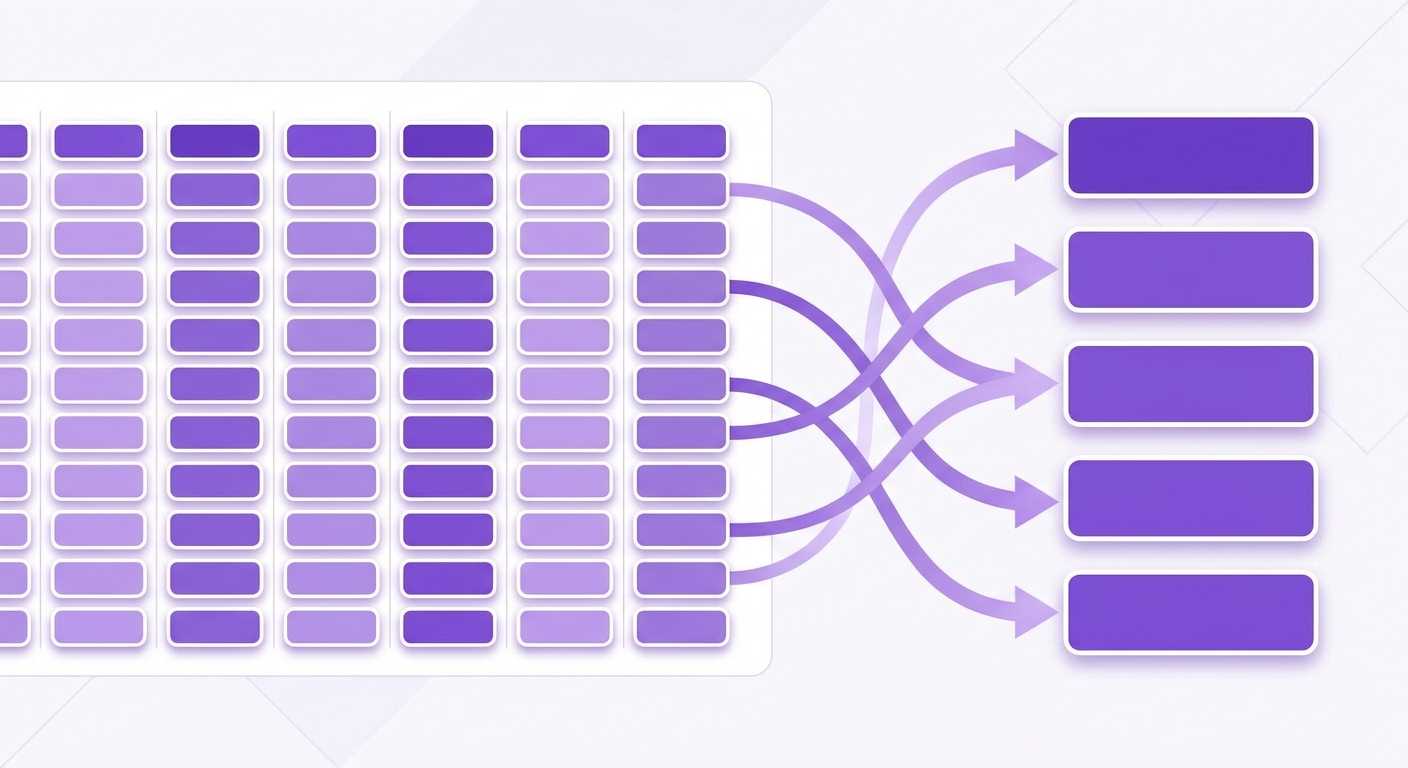
CryptoTax.be needs your complete transaction history to calculate your taxes correctly. You can import transactions via an automatic API connection, by linking an on-chain wallet with your public address, or manually via a CSV file.
Method 1: Automatically via API (recommended)
The fastest and most complete method. CryptoTax.be fetches your transactions directly from your exchange.
Step 1: Connect your exchange
Follow the steps in How to connect your first exchange. After connecting, your transactions are synchronised automatically.
Step 2: Re-synchronise if needed
If you have made new transactions since the last synchronisation, click Synchronise next to the exchange in the Exchanges menu.
the "Synchronise" button next to a connected exchange
Method 2: Manually via CSV
Use this method if your exchange is not supported via API, or if historical data is missing.
Step 1: Export your transactions from your exchange
Log in to your exchange and look for the option to export your transaction history as CSV. The exact location differs per platform.
Step 2: Go to Import
On CryptoTax.be, click Import in the menu, then click Upload CSV.
the import page with the "Upload CSV" option
Step 3: Upload your CSV file
Select the downloaded file from your computer and choose the exchange the file came from. Click Import.
the upload window with exchange selection
Step 4: Check the results
CryptoTax.be shows an overview of the imported transactions. Check that the number matches what you expected.
the overview of imported transactions
Method 3: On-chain wallet via address
Do you hold crypto in your own wallet on Ethereum, Base or Arbitrum? Connect it with your public wallet address - no API key or private key required. We then read your transfers, tokens and DeFi activity directly from the blockchain. Follow the steps in How to connect an on-chain wallet.
What happens next
After importing, CryptoTax.be processes your transactions and applies the FIFO method to calculate your cost basis. You can view the result on your dashboard.
Important notes
- Import transactions from all exchanges and wallets you have ever used, including platforms you no longer use. An incomplete picture leads to incorrect tax calculations.
- If you use both API and CSV for the same exchange, duplication may occur. Check the transaction overview after importing.
- CryptoTax.be saves your import history. You do not need to reimport everything each year - only the new transactions.
Troubleshooting
- The CSV file is not recognised: check that you selected the correct export format on your exchange. Some exchanges offer multiple export formats.
- Transactions are missing after import: most exchanges limit CSV exports to a certain period. Export multiple periods and import them one by one.