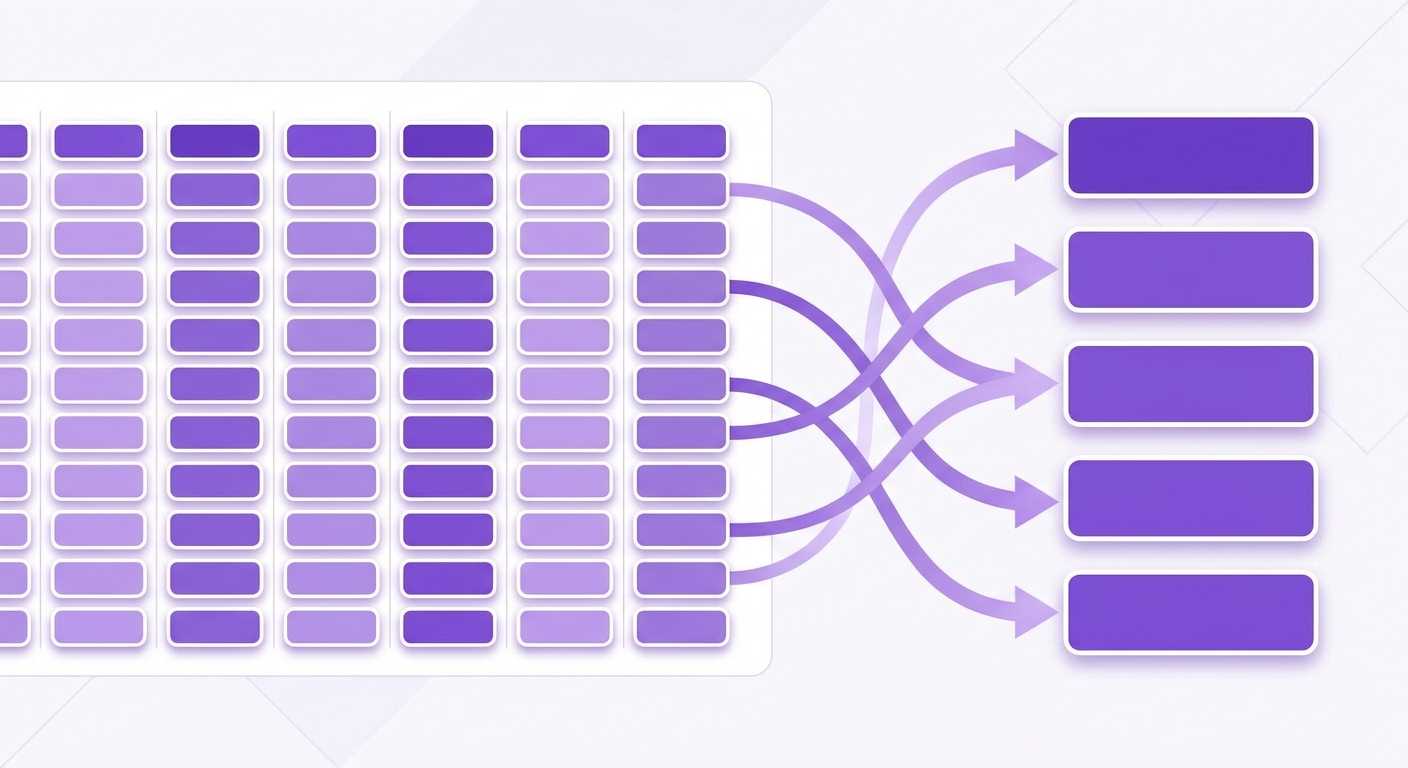
Resolving duplicate transactions in CryptoTax.be. Find out why duplicates occur with API and CSV imports and how to remove them.
What is the problem
Duplicate transactions occur when the same transaction appears more than once in CryptoTax.be. This distorts your tax calculation and must be resolved.
When do duplicates occur
Combination of API and CSV for the same exchange
If you have both an API connection and a CSV import for the same exchange, transactions may be imported twice.
CSV uploaded more than once
If you uploaded the same CSV file twice, all transactions from that file appear twice.
Overlapping CSV exports
If you exported multiple CSV files with overlapping periods and imported all of them, transactions in the overlapping period may appear twice.
Detecting duplicates
- Go to the Transactions menu in CryptoTax.be.
- Sort by date and look for rows with the same date, coin, amount, and price.
the transaction overview sorted by date with duplicate rows visible
CryptoTax.be also shows an automatic warning when it detects possible duplicates.
Removing duplicates
Option 1: Delete the CSV import
If the duplicates were caused by a CSV import on top of an API connection:
- Go to Import > Import history.
- Find the CSV import file that caused the duplicate transactions.
- Click Delete import. All transactions from that import file will be removed.
the import history with the "Delete import" option
Option 2: Delete individual transactions
If the number of duplicates is small:
- Go to Transactions.
- Select the duplicate transaction.
- Click Delete transaction.
Option 3: Restart the import
If the situation is complex, you can delete all imports for a given exchange and start over:
- Go to Exchanges > click on the exchange > Remove connection.
- Go to Import > Import history > delete all CSVs for that exchange.
- Reconnect the exchange and import a non-overlapping CSV for the older period.
Prevention
- Preferably use either the API connection or the CSV import for the same exchange, not both at the same time.
- If you use CSV as a supplement to the API, make sure the CSV export starts on a date before the oldest API transaction and ends on the date from which the API takes over.