Fix for when the transaction count in CryptoTax.be does not match your exchange. Causes and steps to resolve the discrepancy.
What is the problem
You have connected CryptoTax.be to your exchange, but the number of transactions in CryptoTax does not match the number you see on your exchange. This can cause your tax calculation to be incorrect.
Causes and solutions
Cause 1: The API does not return the full history
Some exchanges limit their API to a certain period or a maximum number of transactions.
Solution: Export your complete transaction history as CSV from your exchange and import it as a supplement. See Importing transactions via CSV.
Cause 2: The synchronisation has not fully completed yet
With a large number of transactions the synchronisation can take some time.
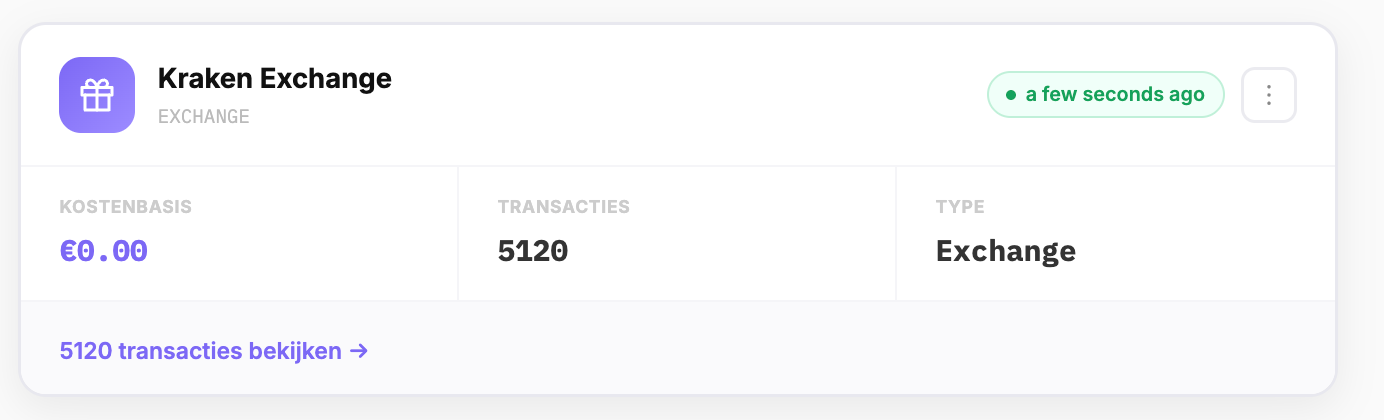
Solution: Wait a few minutes and refresh the page. Check whether the synchronisation status shows "Completed" next to your exchange in the Exchanges menu.
Cause 3: Certain transaction types are not counted
Your exchange may count different things than CryptoTax.be (e.g. internal transfers, deposits/withdrawals counted separately).
Solution: Compare the transaction types on your exchange with what CryptoTax.be imports. Transfers between your own wallets are not taxable and are sometimes processed differently.
Cause 4: Deposits and withdrawals are missing
Some exchanges report deposits and withdrawals via a different API endpoint than trades.
Solution: Check whether the connection also imports deposits and withdrawals. If not, export those separately as CSV.
Cause 5: API key has insufficient permissions
If your API key does not have all the required read permissions, CryptoTax.be will not have access to certain transaction types.
Solution: Remove the connection and create a new API key with the correct permissions. Consult the specific guide for your exchange.
Checking manually
If you still see a discrepancy after the steps above, you can compare manually:
- Export your complete transaction history as CSV from your exchange.
- Count the number of rows (minus the header).
- Compare with the number of transactions in CryptoTax.be via the Transactions menu > filter on your exchange.